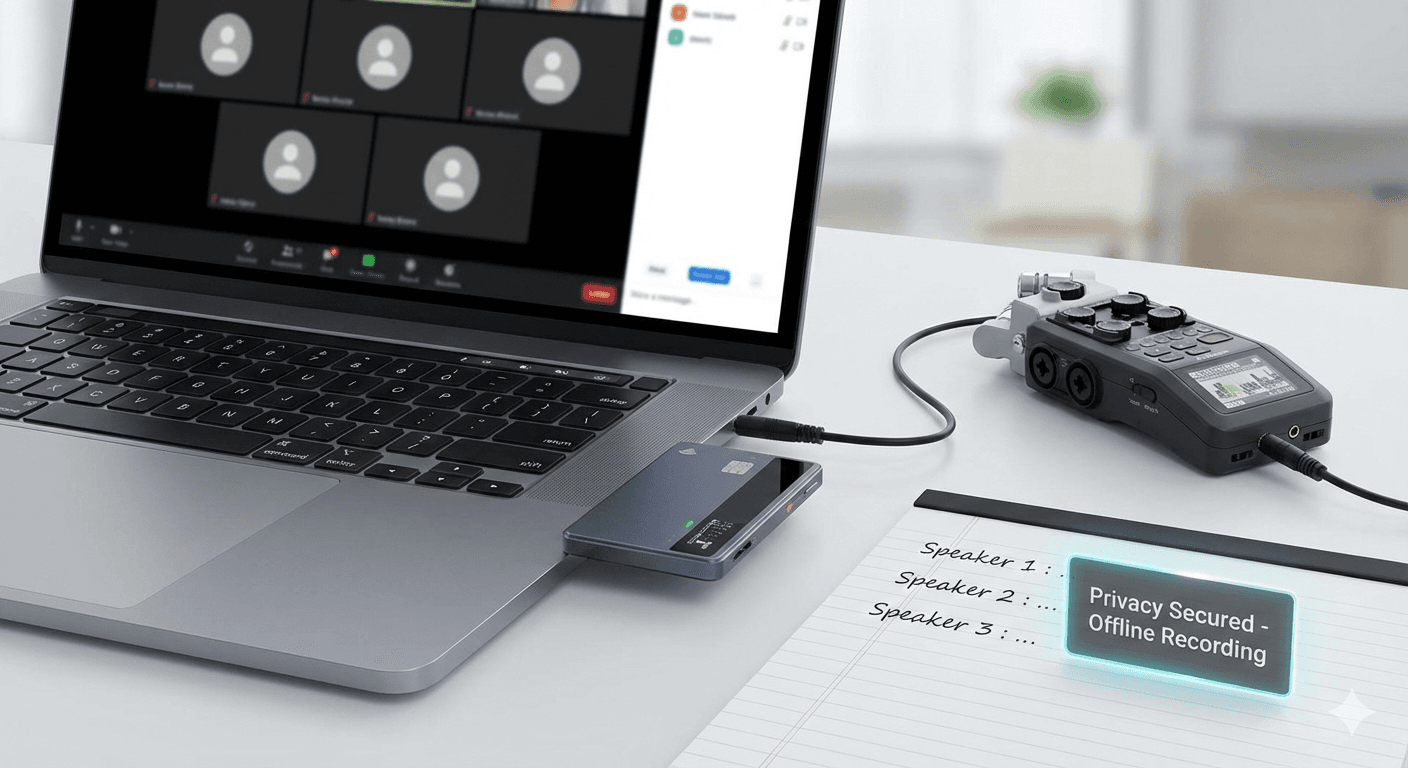
Learn how to record Zoom and Google Meet audio without meeting bots or notifications using simple hardware recorders, then transcribe privately with local Whisper tools—keeping your files fully offline and under your control.
Recording online meetings traditionally involves intrusive "meeting bots" or requesting explicit host permission, which triggers a notification to all participants. For privacy-conscious professionals, or those in environments where app installations are restricted, hardware-based offline recording is the ultimate "ghost" solution.
By moving the recording process to an external device, you bypass the software layer entirely. No notifications, no "Requesting Permission" pop-ups, and most importantly, your data remains in your physical possession.
Top Hardware Options for Offline Recording
The following devices allow you to capture meeting audio directly from your computer's output without any software interaction.
| Feature | |||
|---|---|---|---|
| Best For | Polished, AI-integrated workflow | Professional audio quality | Budget-friendly portability |
| Form Factor | Credit-card sized, Magnetic | Handheld, rugged | Slim, pocket-sized |
| Connectivity | Magnetic / Bluetooth / USB-C | 3.5mm Line-in / USB | 3.5mm Line-in / USB |
| Storage | 64 GB (800+ hours) | SD Card (Expandable) | 4 GB (Expandable via microSD) |
| Battery Life | Full-day professional use | 20+ hours (AA batteries) | 20+ hours (Rechargeable) |
| Est. Price | ~$169 | ~$160–$180 | ~$100–$120 |
The Setup: How to Record Without Detection
The secret to "app-less" recording is the Line-In connection. While software recorders try to "hook" into the audio driver, a hardware recorder simply listens to the physical electrical signal leaving your computer.
Method 1: The "Direct Link" (Highest Quality)
This works for the and .
- Connect: Plug a male-to-male 3.5mm auxiliary cable into your computer's headphone jack.
- Input: Plug the other end into the Line-In (not Mic-In) port of your recorder.
- Listen: Use the "Monitor" or "Headphone" jack on the recorder to listen to your meeting so you can still hear the participants.
- Record: Press record on the device. It will capture every sound from your computer (Zoom audio, system alerts, etc.) with zero software footprint.
Method 2: The "Magnetic Capture" (Most Convenient)
The is designed specifically for this. It attaches magnetically to your laptop or phone. It uses specialized vibration-conduction or high-sensitivity MEMS microphones to capture audio directly from the chassis or speakers, often without needing any cables at all.
Turning Audio into Text: 100% Private Transcription
Recording is only half the battle. To maintain your privacy focus, you should avoid uploading these sensitive recordings to cloud-based transcription services like Otter.ai or Grain. Instead, use Local AI.
OpenAI's Whisper model can run entirely on your own computer’s hardware. Here are the best offline tools for the job:
- Whisper-WebUI: An open-source, self-hosted interface that allows you to drag and drop files for instant transcription.
- VIBE (Visual Interface for Batch Extraction): A simple desktop app for Windows/Mac that works 100% offline.
- : A professional Windows application that supports "Speaker Diarization"—meaning it can automatically label "Speaker 1" and "Speaker 2" in your transcript.
- Custom Whisper + PyAnnote: For technical users, this combination provides the highest accuracy for identifying who spoke when, all while keeping the data on your local hard drive.
Privacy Note: Using these local tools ensures that your confidential meeting data never touches a server and is never used to train future AI models.
Final Recommendation
- If you want the most seamless experience: Choose the . Its sleek design and dedicated meeting-summary features make it the "iPhone of recorders."
- If you are on a budget: Get the . It is a reliable workhorse that has been a favorite for journalists for years.
- If you need the best transcription: Pair your hardware with or Whisper-WebUI to get accurate, speaker-labeled notes without the privacy risks of the cloud.